Log forwarding  |  Microsoft Sentinel  |  Splunk

Log fan-out to multiple SIEMs: how to dual-ship logs without doubling the risk

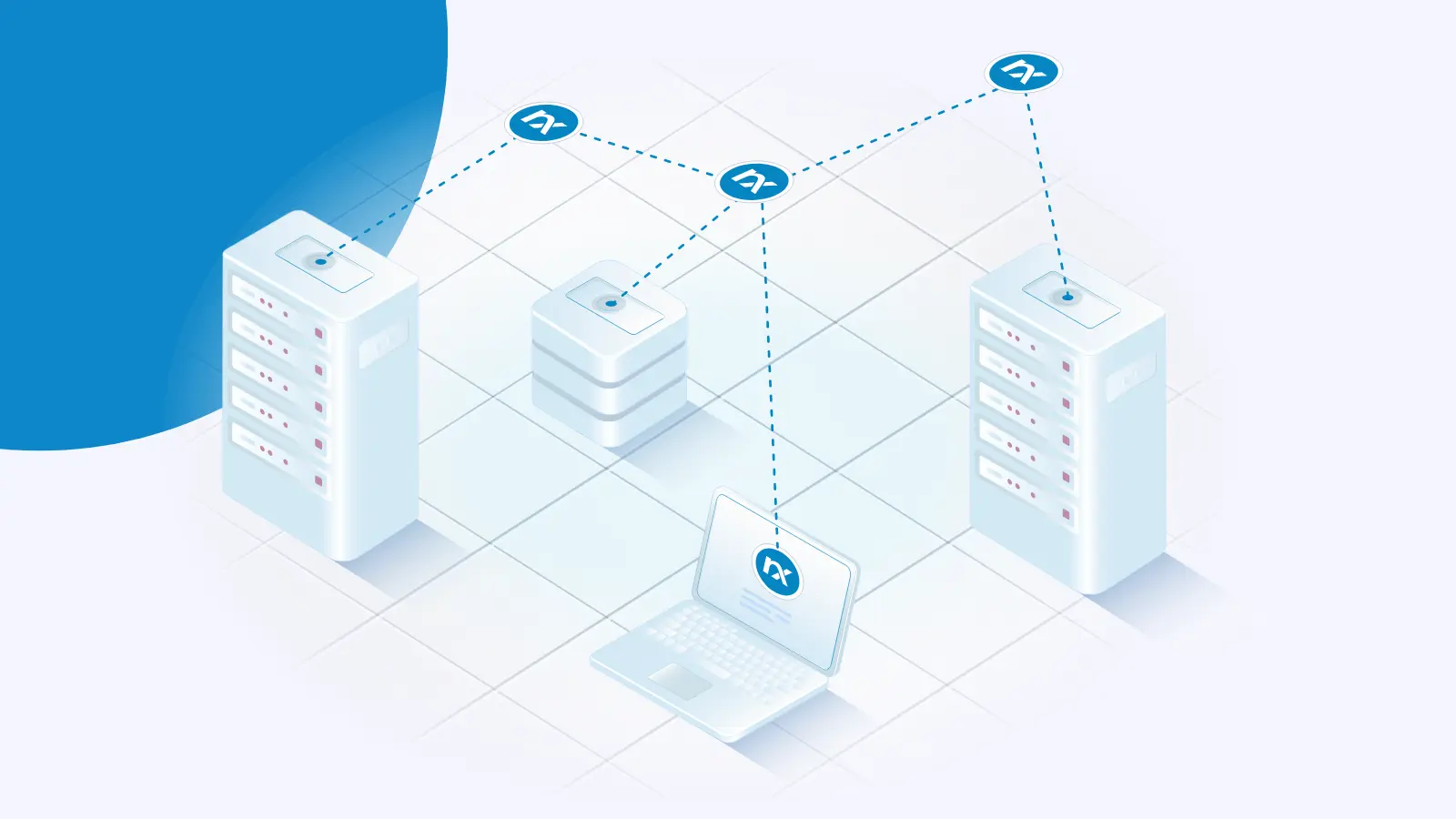
Log fan-out, also called dual-shipping, sends one copy of each event to two or more SIEMs from a single collection point. Teams do it during SIEM migrations, when an MSSP and an internal SOC both need raw events, for compliance archives, and for regional SIEMs with different regulatory scope. Do the split at the agent or at a relay. A second forwarder on every host doubles your configuration work and gives you two event counts that do not match.

Telemetry collection  |  Log aggregation  |  Telemetry pipeline management

Log collector: How it works and how to choose one

A log collector is software that gathers log data from hosts, applications, and network devices, parses and filters it, and forwards it to a SIEM, data lake, or log store. It runs as an agent on each host, as a central listener that devices send to, or both. A SIEM can only alert on events it receives. When a collector drops events during an outage or a burst, the SIEM gets no error, just fewer events.

NXLog Agent  |  macOS  |  Telemetry collection

Migrating to the macOS OSLog input module

NXLog Agent 6.16 adds the macOS OSLog input module (im_macoslog), which reads macOS logs through Apple’s own OSLog API. If you collect logs from Macs running macOS 13 or later, it’s now the module we recommend. It’s more stable, simpler to configure, and lets you filter events before NXLog Agent reads them. One change to plan for: the macOS ULS input module (im_maculs) is deprecated, and NXLog Agent doesn’t support it on macOS 27 and later.

Telemetry pipeline management  |  Log noise  |  NXLog Agent

Pre-SIEM log filtering and log reduction: how to cut ingest costs without losing detections

Pre-SIEM log filtering and log reduction means dropping, trimming, deduplicating, or rerouting log events before they cross your SIEM’s ingest boundary. The work happens on the collecting agent or on a relay, not inside the SIEM. Most commercial SIEMs bill on the volume they ingest, in gigabytes per day or events per second, so every byte you remove upstream is a byte you never pay to index, store, or search.

Microsoft Sentinel  |  Telemetry pipeline management  |  Log forwarding

Microsoft Sentinel Basic Logs vs Analytics Logs: cost and limits

Analytics Logs is Microsoft Sentinel’s full-featured tier: analytics rules, any query scope, query cost included in the ingestion price, and up to 90 days of interactive retention at no additional charge. Basic Logs cuts the ingestion price to under a quarter of Analytics, in exchange for per-GB query charges, a fixed 30-day interactive window, workspace-only query scope, and no analytics rules. Since September 2026, Basic tables support full KQL, including joins across tables.

Microsoft Sentinel  |  Telemetry pipeline management  |  Log noise

How to reduce Microsoft Sentinel ingest cost: filter, trim, and tier before the data leaves the host

Microsoft Sentinel charges by the gigabyte for most data you ingest into the analytics tier. To reduce Microsoft Sentinel ingest cost, drop events you never query, remove fields you don’t use, and route high-volume, low-value logs to the cheaper data lake tier. This article walks through how to do each of these with NXLog Agent configurations and KQL you can adapt for your environment. Lever Where it runs What it saves Trade-off Drop noisy events

More

Announcing NXLog Platform 1.15

How to reduce Splunk ingest cost without losing detection coverage

Kubernetes DaemonSet log collection: a practical guide for SecOps

From journald to syslog: 4 ways to forward systemd journal logs

All Posts