Log analysis  |  Telemetry collection  |  Telemetry pipeline management

Log analysis tools for SecOps: How to evaluate the whole stack in 2026

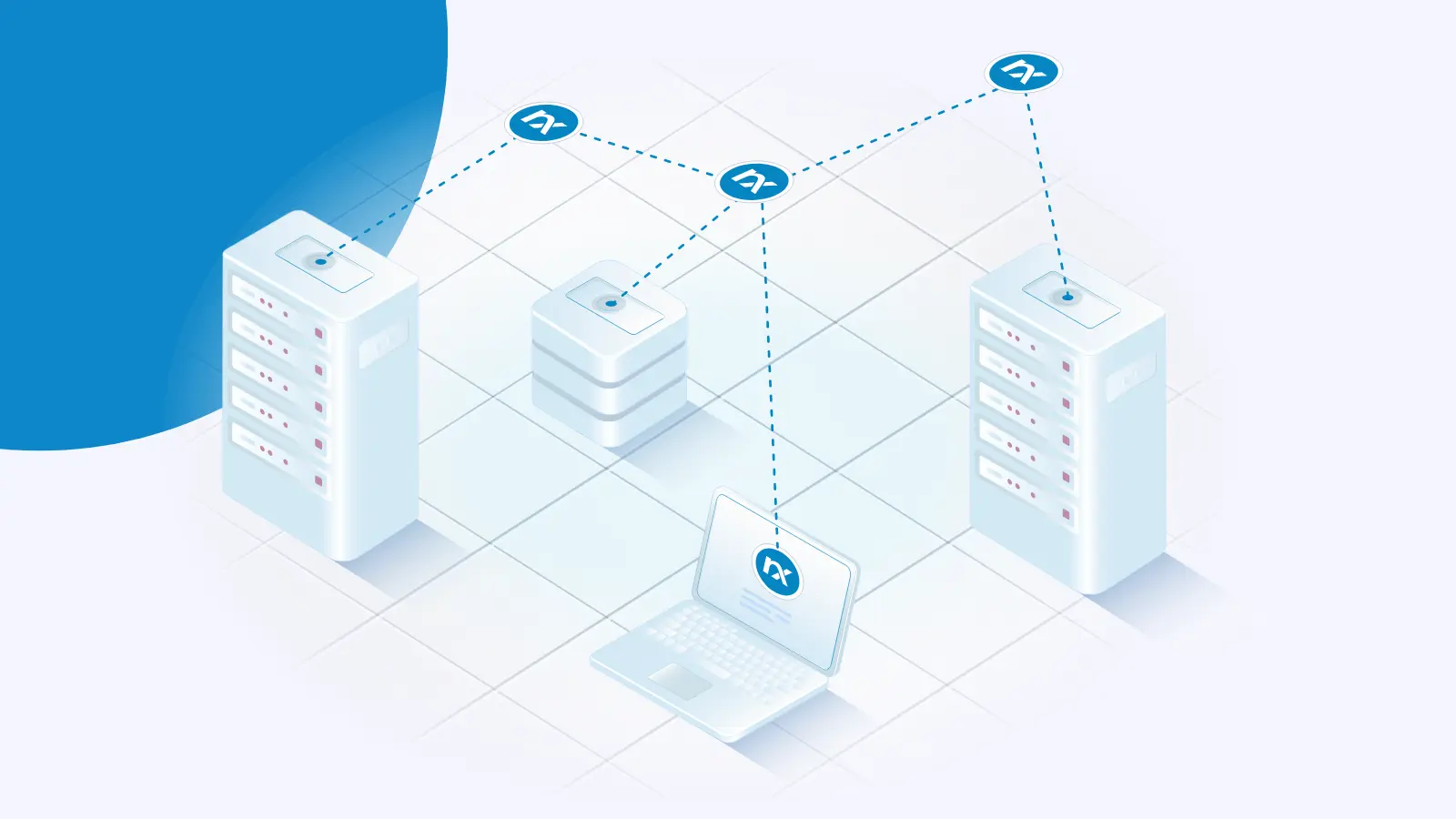
Teams usually choose a log analysis tool by comparing vendors. The more costly decision sits one level up: the category of tool. The wrong choice there surfaces months later as a source you can’t collect, data you can’t normalize, or a per-gigabyte bill for logs you never needed. Log analysis tools collect, parse, store, search, and visualize log data so teams can detect threats, investigate incidents, and troubleshoot systems. The term spans four distinct categories — collection agents, processing pipelines, storage and search engines, and analysis platforms — that each handle a different job in the same workflow.

Telemetry collection  |  Fault tolerance

How to handle log rotation without losing events

Log rotation is supposed to be routine maintenance. But if your collector reads a file while another process renames, truncates, or compresses it, events can slip through the gap — and you often won’t notice until you go looking for a log that isn’t there. For a security team, that gap is a blind spot: a detection that never fired, an audit trail with a hole in it, a control you can’t prove was working.

Telemetry collection  |  Telemetry pipeline management  |  Log aggregation

Fluentd vs Logstash: which log pipeline tool fits your stack?

Pick the wrong log collector and you pay for it on every node you deploy. A heavier agent multiplied across a thousand hosts is real memory and CPU you can’t get back, and a pipeline wired tightly to one vendor’s backend is hard to unwind later. So the Fluentd vs Logstash decision usually comes down to two questions: how much processing do you need at the collection point, and how committed are you to the Elastic Stack?

Telemetry collection  |  Telemetry pipeline management

Multiline log parsing with regex: Keeping multiline events intact for your SIEM

Most telemetry pipelines treat every newline as the end of an event. That assumption holds for a tidy syslog stream but breaks the moment a Java stack trace, a Python traceback, or a pretty-printed JSON payload lands in the file. One event becomes forty lines, and your SIEM ingests forty fragments instead of one record. For a SecOps team, the cost is operational. Detection rules match on fragments or miss the event entirely, correlation loses the context that made the event worth alerting on, and the event count balloons against a volume-based license.

Releases  |  NXLog Platform

Announcing NXLog Platform 1.13

We are happy to announce the latest release of NXLog Platform, version 1.13. This update adds NXLog Platform operating system support for Debian 13 and NXLog Agent support for legacy 32-bit Windows. Plus, you can now use NXLog Agent with the native macOS Keychain for secure certificate storage on Apple systems. Read on for more details about these updates. Deploy NXLog Platform on Debian 13 NXLog Platform 1.13 adds support for installation on Debian 13, the latest stable release of the Debian operating system.

Windows  |  Critical infrastructure  |  Telemetry collection

From blind spot to monitored: Log collection for 32-bit Windows

At NXLog, we’ve been in the log collection space long enough to know that the toughest challenges aren’t technical but political. There’s always that Windows XP machine running the ATM firmware that no one can touch. Or the Windows Server 2003 box that keeps the conveyor belt running 24/7. Then there’s the industrial SCADA system installed before smartphones existed, quietly humming along in a corner of the plant floor.

More

Watching the agent watch you: Telemetry for OpenClaw with NXLog

Fluent Bit vs Logstash: which pipeline fits your stack?

Syslog forwarding over TLS: getting the operational layer right

Post-quantum cryptography in NXLog Agent: Post-quantum readiness for Q-Day

All Posts