
centralized logging | comparison | log collection | strategy
Centralized log management: What it is, how centralized logging works, and how to choose the right system
Centralized log management is the practice of collecting logs from across an environment, including applications, servers, containers, networks, and cloud services, and storing them in a single location where they can be searched and analyzed.
For operations and security teams, centralized logging is now a core requirement. Without it, logs are scattered across hosts, ephemeral containers, cloud consoles, and disconnected tools. This fragmentation slows troubleshooting, complicates incident response, and limits visibility during security investigations.
strategy | telemetry data pipeline | optimization | NXLog Platform
Current challenges in log and telemetry data management
Today, most enterprises use a security log analytics solution or SIEM (Security Information & Event Management), but analytics are only as good as the data fed into your solution. If you’re missing data sources or are failing to extract full value from the data, you won’t see the big picture.
This is an issue new customers commonly mention to NXLog. That’s why one of our key goals is to provide a solid data collection layer that ensures all relevant data is collected and properly fed into the SIEM.
strategy
Log management best practices
People think about logs as one of the biggest chores in the IT industry. Well, that does not necessarily need to be true. If you adhere to some fundamental log management best practices, the value you could get out of them quickly outweighs the effort put into managing them. Logs can easily become the best friend of IT teams looking to keep their systems secure, meet compliance requirements, and maintain a smoothly running network.
deployment | strategy | siem
How to choose a log management solution
Logs play a critical role in IT infrastructure, and choosing the right log management solution is key to effective operations. This guide explores the core principles for selecting a solution that aligns with your log collection and management needs. Given the wide range of options available, we categorize them into three main groups for clarity.
End-to-end Log Management Solutions
Security Information & Event Management (SIEM)
Application Performance Monitoring and Observability (APM)
deployment | strategy
What is agentless log collection?
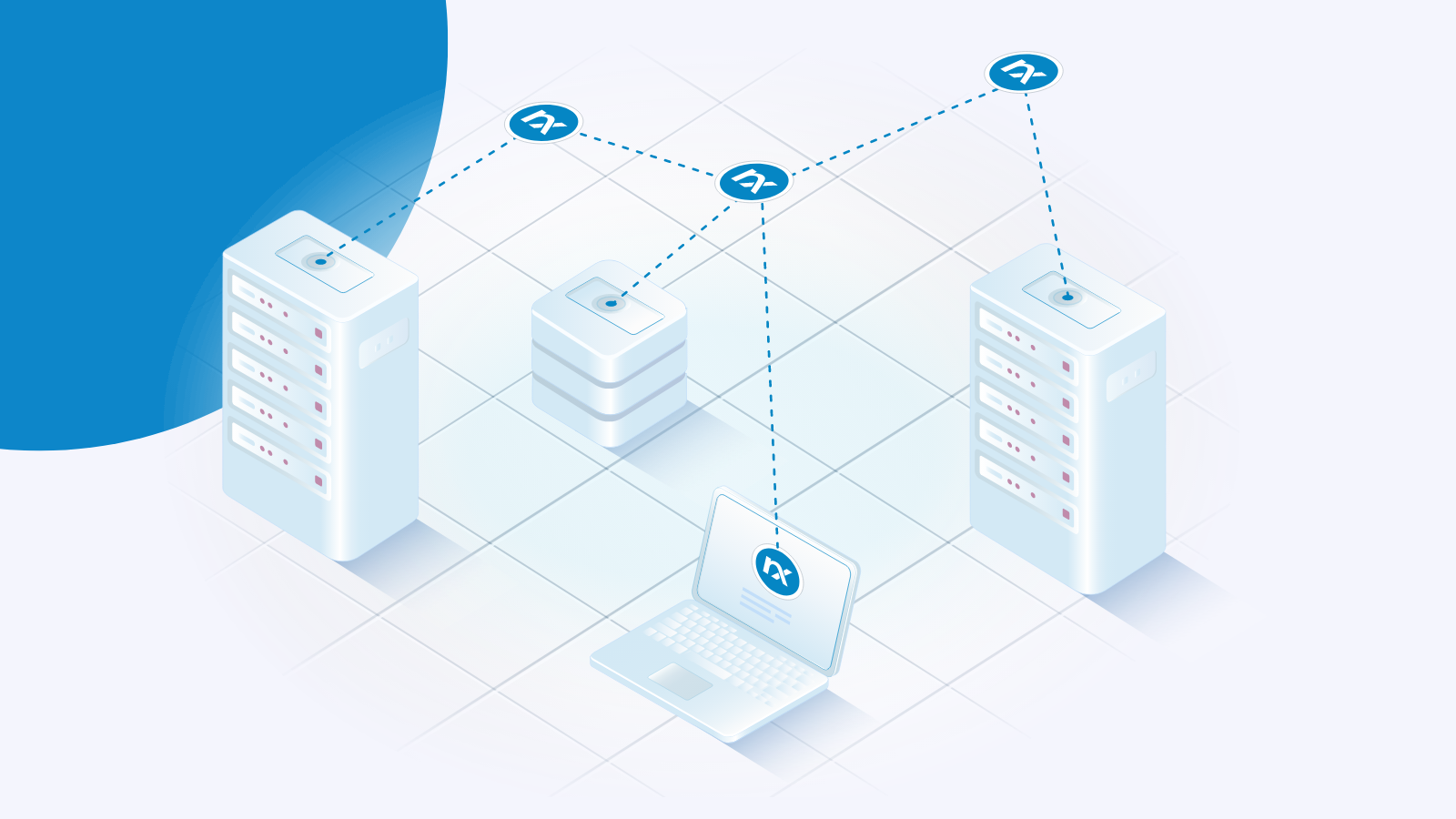
Agentless log collection refers to gathering log data from various sources without installing dedicated software agents on the systems generating the logs. Instead, it leverages protocols such as SNMP traps, WECS, WMI, and syslog to retrieve log data remotely.
It is easier to explain what agentless log collection is by also providing some context about agent-based log collection. The truth is that these two options for collecting logs walk hand in hand, meaning that they can and will likely coexist on your network.
security | strategy
How to monitor file access in Windows
File access auditing is the process of tracking who reads, modifies, or deletes files on a system, providing a record of user activity for security and compliance purposes. On Windows systems, this is especially important for monitoring sensitive or business-critical files, such as financial records, HR data, or confidential customer information, where unauthorized access could result in a data breach or regulatory violation.
In this post, I’ll show you how to enable file access auditing on Windows and use NXLog Agent to collect and forward file access events to help you protect sensitive data and meet compliance requirements.
Follow us



© Copyright NXLog Ltd.