
Windows Event Collector | Windows Event Forwarding | Telemetry collection
WEC (Windows Event Collector) scaling limits: what breaks first, and what to do about it
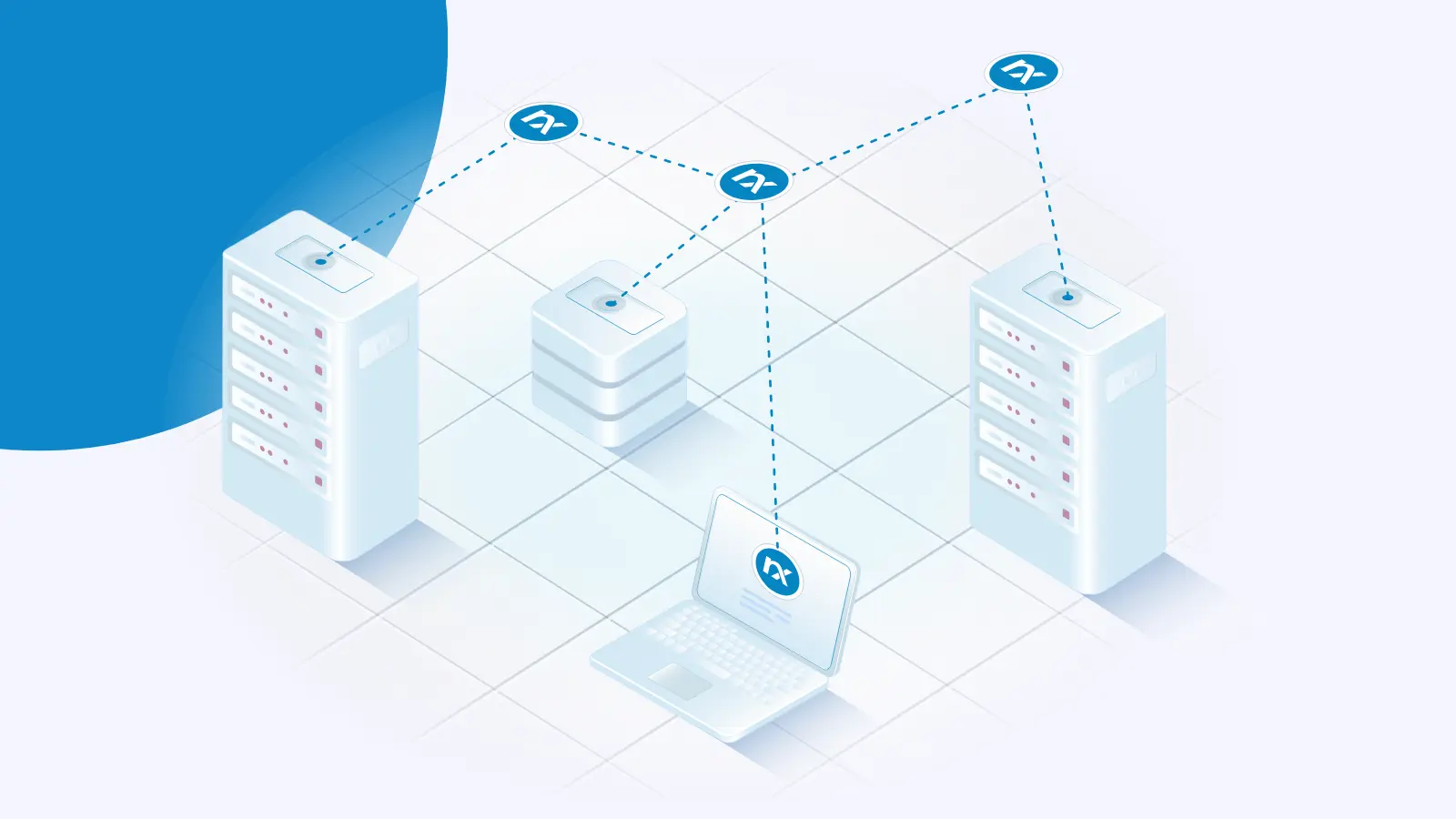
A single Windows Event Collector (WEC) server has three documented scaling limits: disk write speed, concurrent WinRM connections, and registry growth from per-client bookmark data. Microsoft’s current guidance is to plan for roughly 3,000 events per second on average across all subscriptions on commodity hardware.
The "10k × 10k" rule of thumb (up to 10,000 clients and 10,000 EPS per collector) still circulates widely. IBM QRadar and Juniper JSA documentation still quote it, both attributing it to Microsoft’s article.
Centralized logging | Windows | Windows Event Collector | Windows Event Forwarding
Making the most of Windows Event Forwarding for centralized log collection in 2026
Windows Event Forwarding (WEF) gives you centralized log collection with tools that ship in every supported version of Windows. There are no agents to deploy and no licenses to buy: a collector server, a Group Policy Object (GPO), and a subscription are enough to start moving events. That makes WEF one of the most accessible routes to getting Windows logs into one place. It also has hard limits in platform coverage, in resource cost, and in the kinds of data it can carry.

Windows | Centralized logging | NXLog Platform | Windows Event Collector | Windows Event Forwarding
Centralized Windows log collection - NXLog Platform vs. WEF
One of the challenges that security-conscious Windows administrators face is collecting and centralizing Windows event logs. One of the obvious solutions that come to mind is the native Windows Event Forwarding (WEF) feature available on all modern Windows operating systems.
WEF offers the convenience of forwarding Windows events to a central event collector without installing and managing agents. To objectively portray the role this valuable technology plays in the larger scope of enterprise log collection, we have written several articles that discuss it:
Windows | Windows Event Forwarding | Windows Event Collector | Linux | Telemetry collection
Setting up a Windows Event Collector (WEC) on Linux
Windows Event Forwarding (WEF) is a service available on Microsoft Windows platforms which enables the forwarding of events from Windows Event Log to a central Windows Event Collector. Since the technology is built into the operating system, this means you can centralize log collection without having to install third party software on each Windows node. You can also use Group Policy for configuring clients to forward their events. This approach not only standardizes client management but also streamlines it.
Follow us



© Copyright NXLog Ltd.